All projects

Data Center Manager

Build and run a data center, on foot.

In beta Management sim Windows
Data Center Manager screenshot 1Data Center Manager screenshot 2Data Center Manager screenshot 3Data Center Manager screenshot 4Data Center Manager screenshot 5Data Center Manager screenshot 6Data Center Manager screenshot 7Data Center Manager screenshot 8Data Center Manager screenshot 9Data Center Manager screenshot 10

About the game

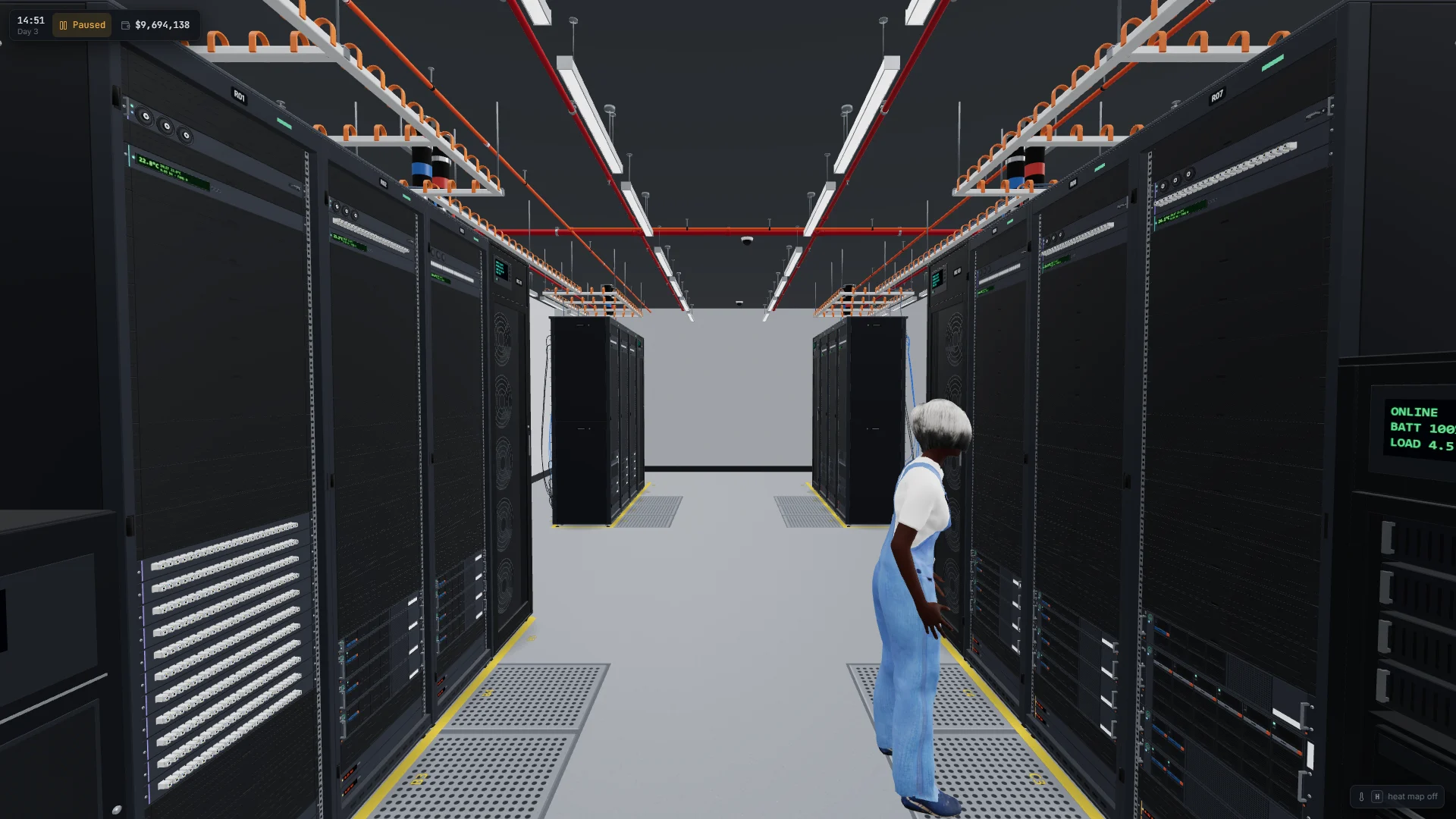
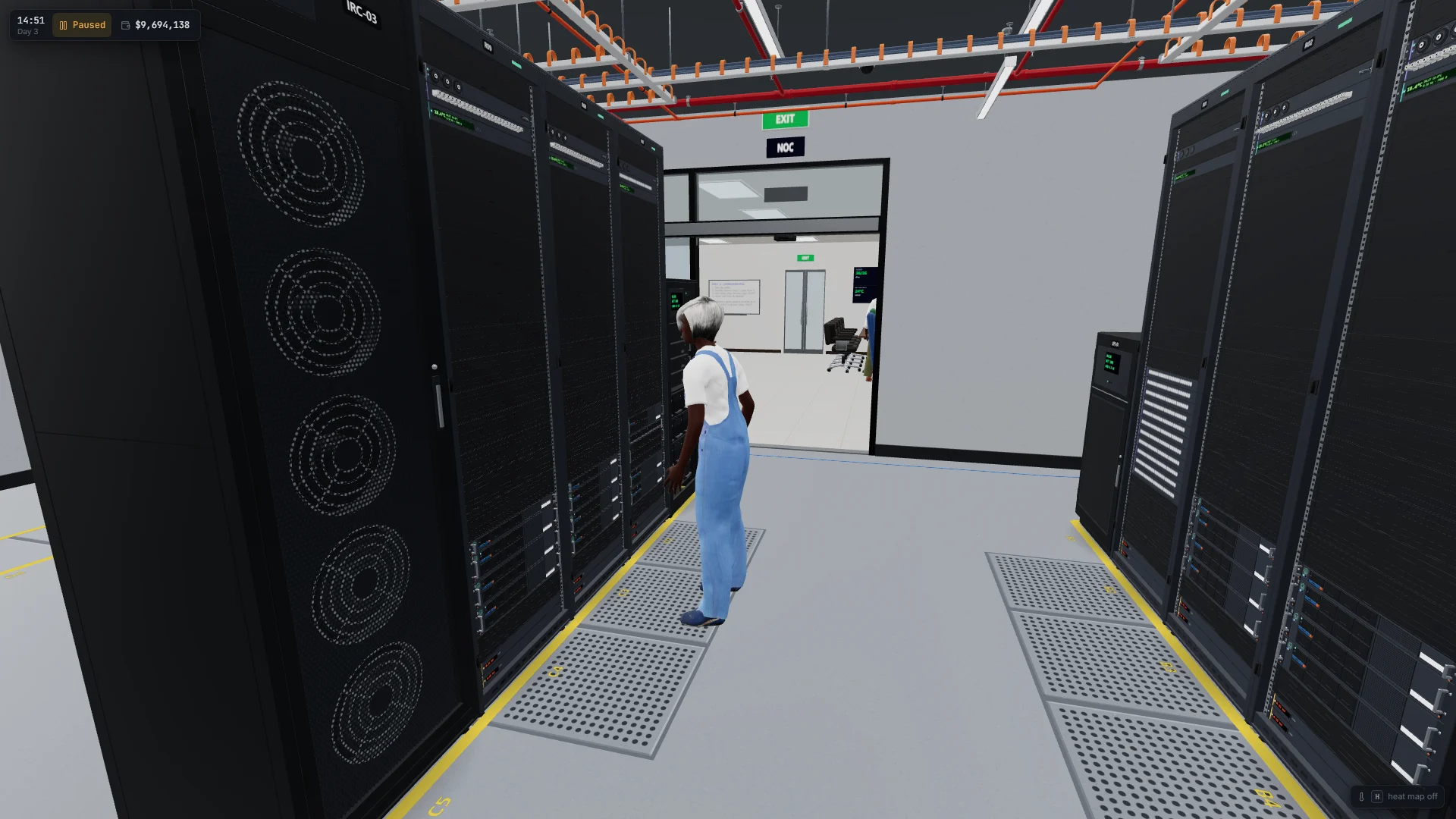
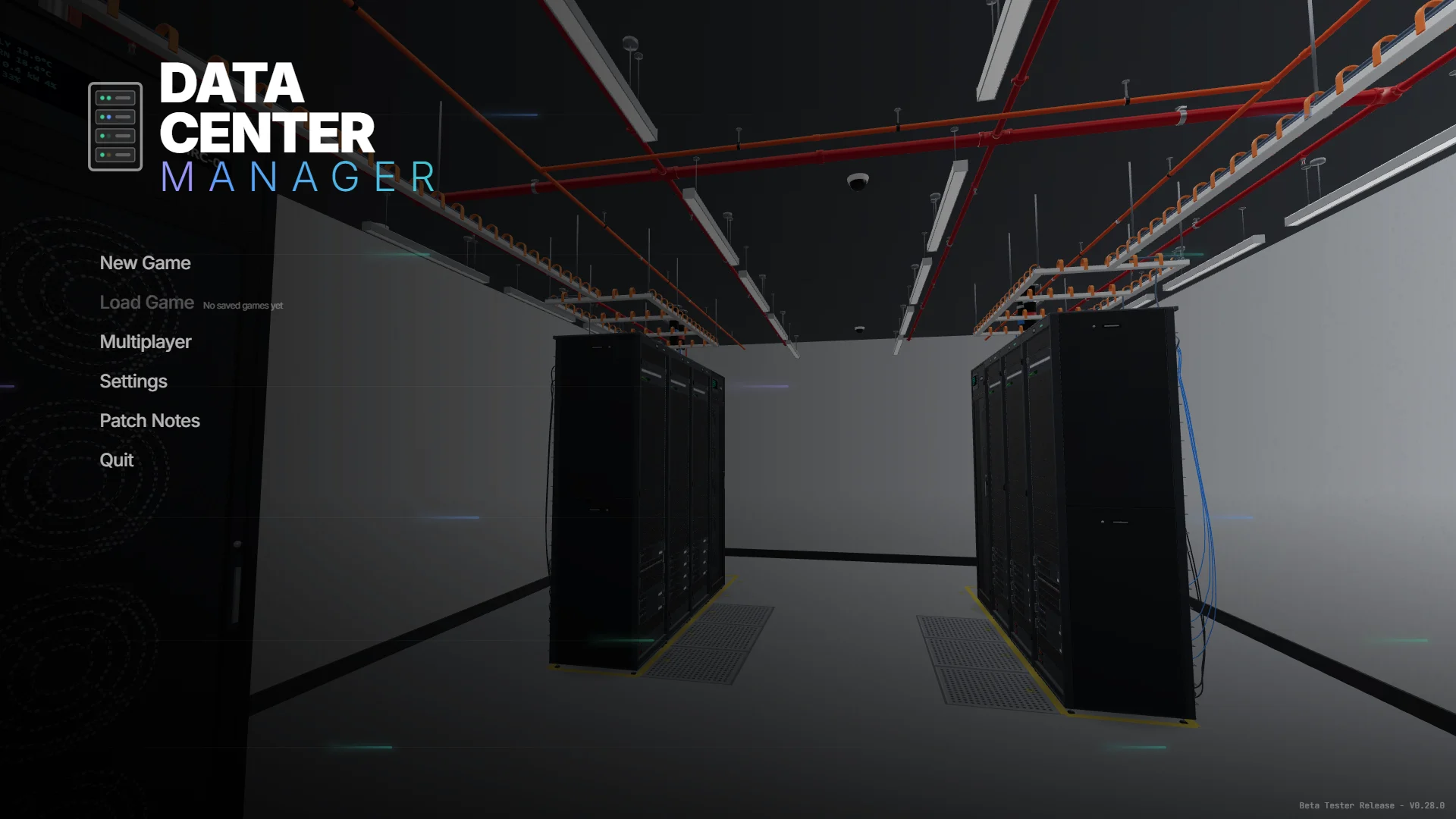
You're the new sysadmin of an empty data center, and you run it on foot. Walk the hall in first person, slot servers, switches, power and cooling into racks, cable the network port by port, and keep your clients' contracts running while the electricity bill ticks away.

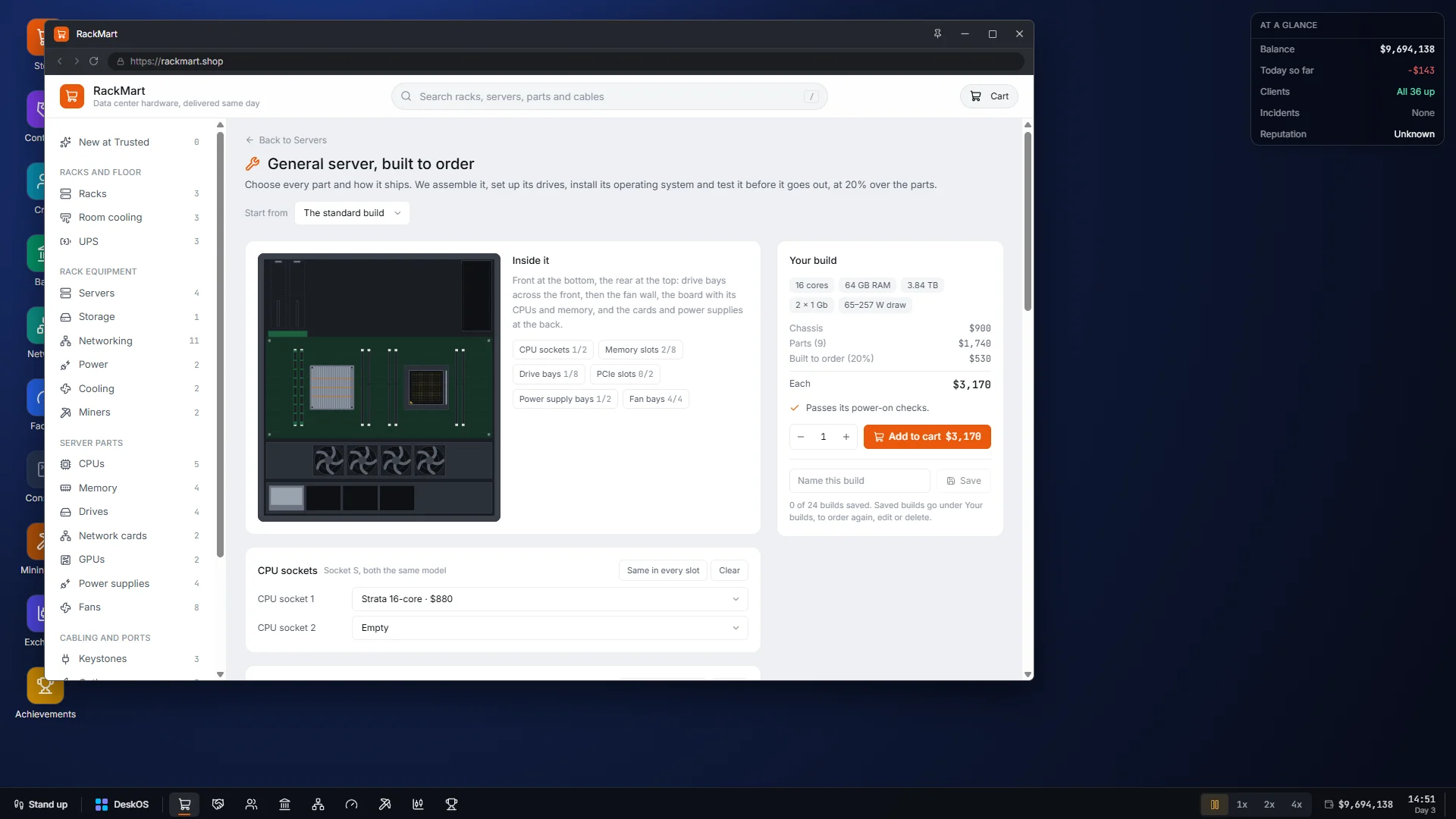
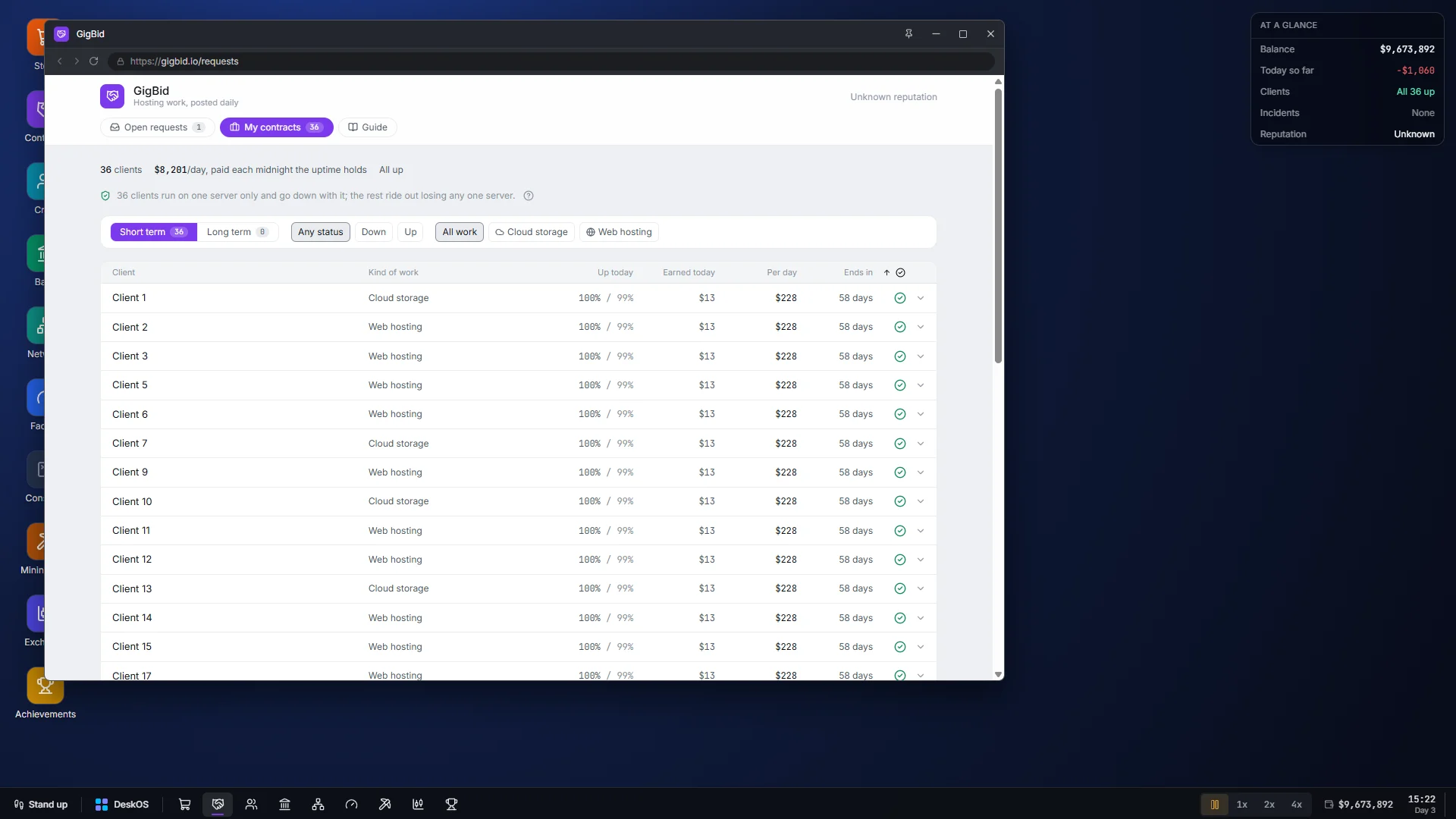
The business side lives on the computer in your office. Sit down at the desk and DeskOS takes over the screen, with windows for buying hardware, managing contracts and planning the floor. The desk can tell you where things are. Getting there is up to you.

How it plays

  • W A S D to walk, Shift to run, C to crouch, and X to step up onto the rolling ladder
  • E works on whatever is under the crosshair: a rack, a port, a unit
  • Space pauses, 1 2 3 set the game speed, and H shows the heat map
  • It starts in borderless full screen; F11 switches to a window and back
01

Build it rack by rack

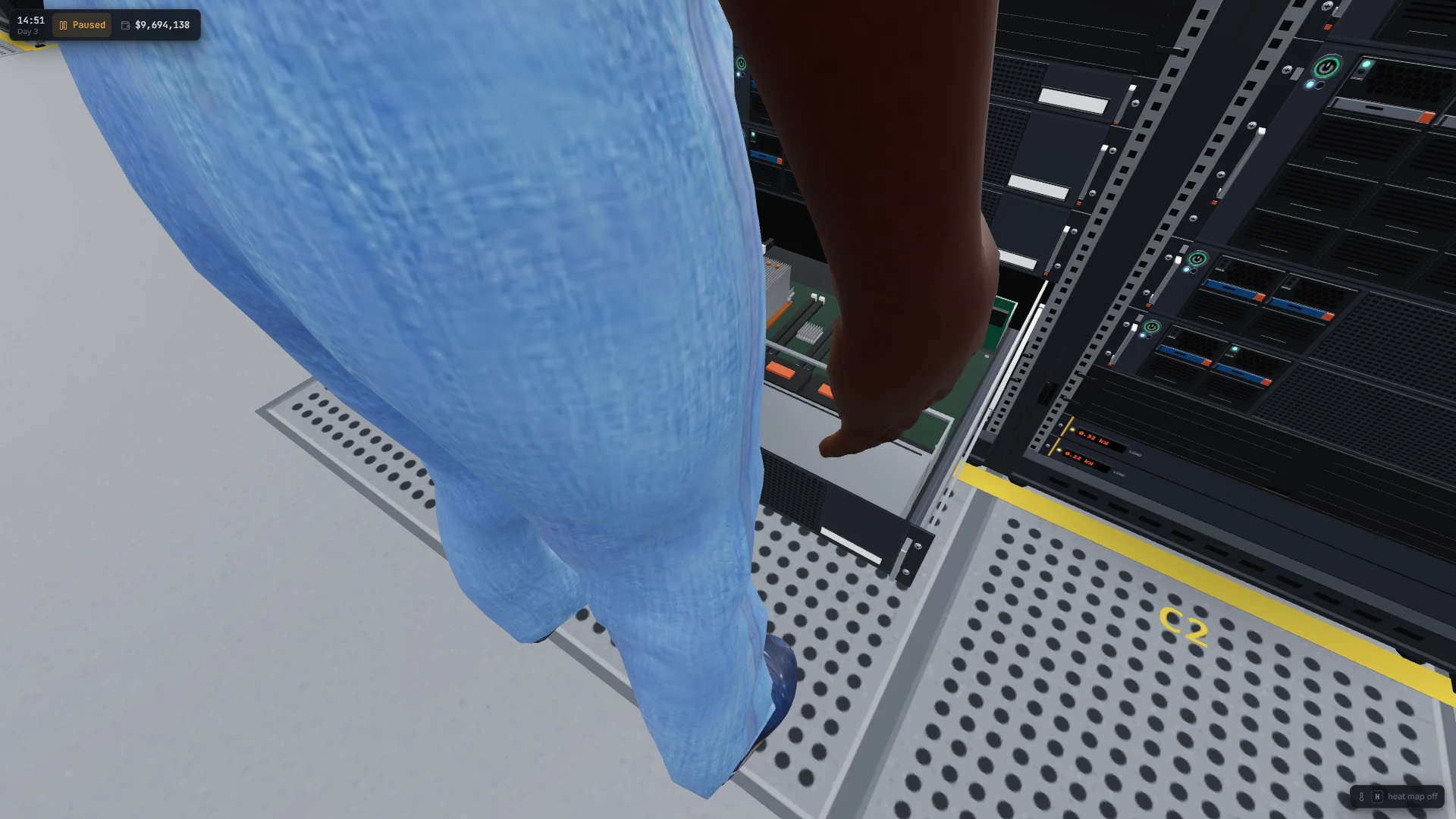
Fill racks with servers, switches, power and cooling, and turn each unit to face the right aisle.

02

Cable it by hand

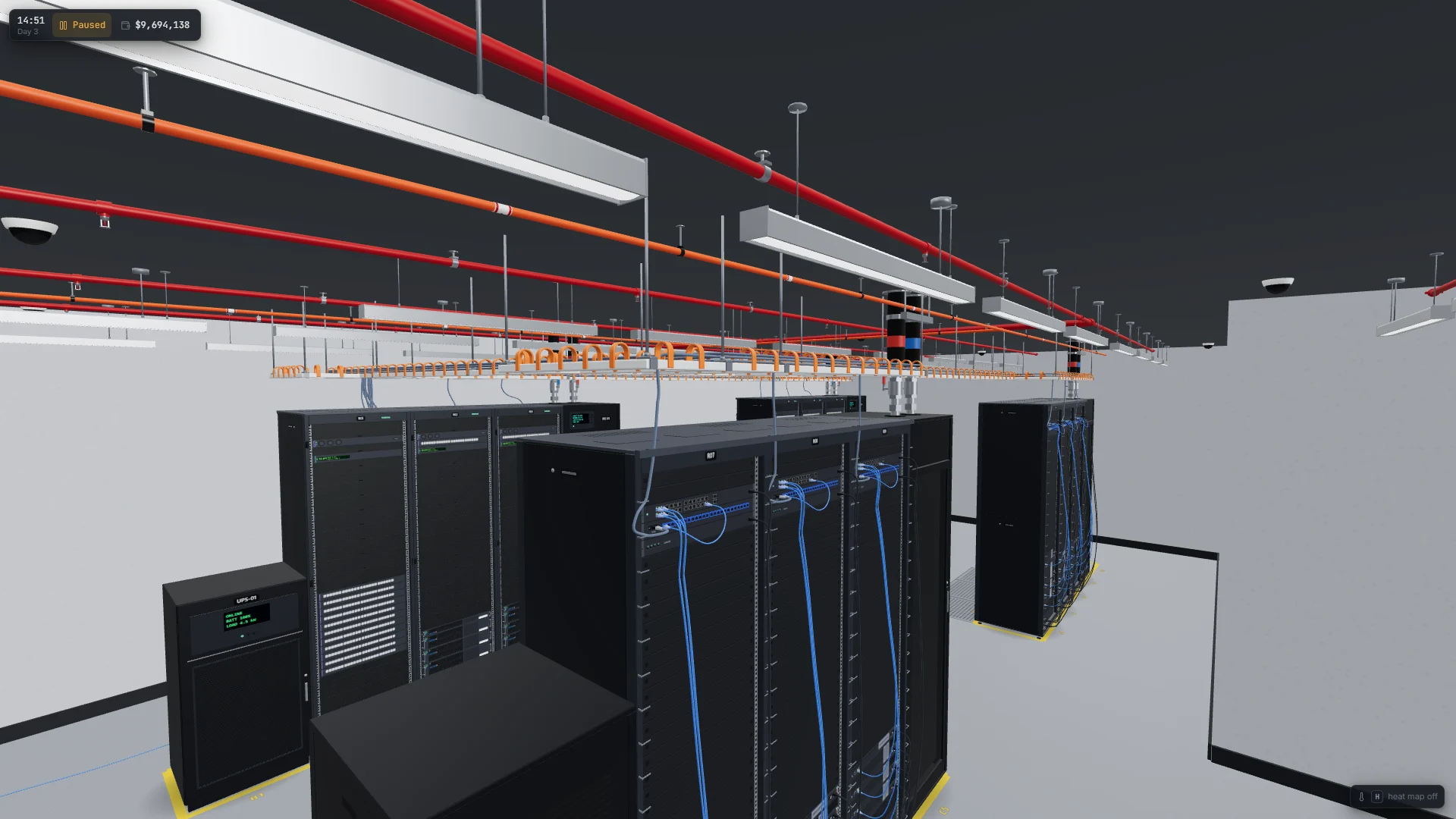
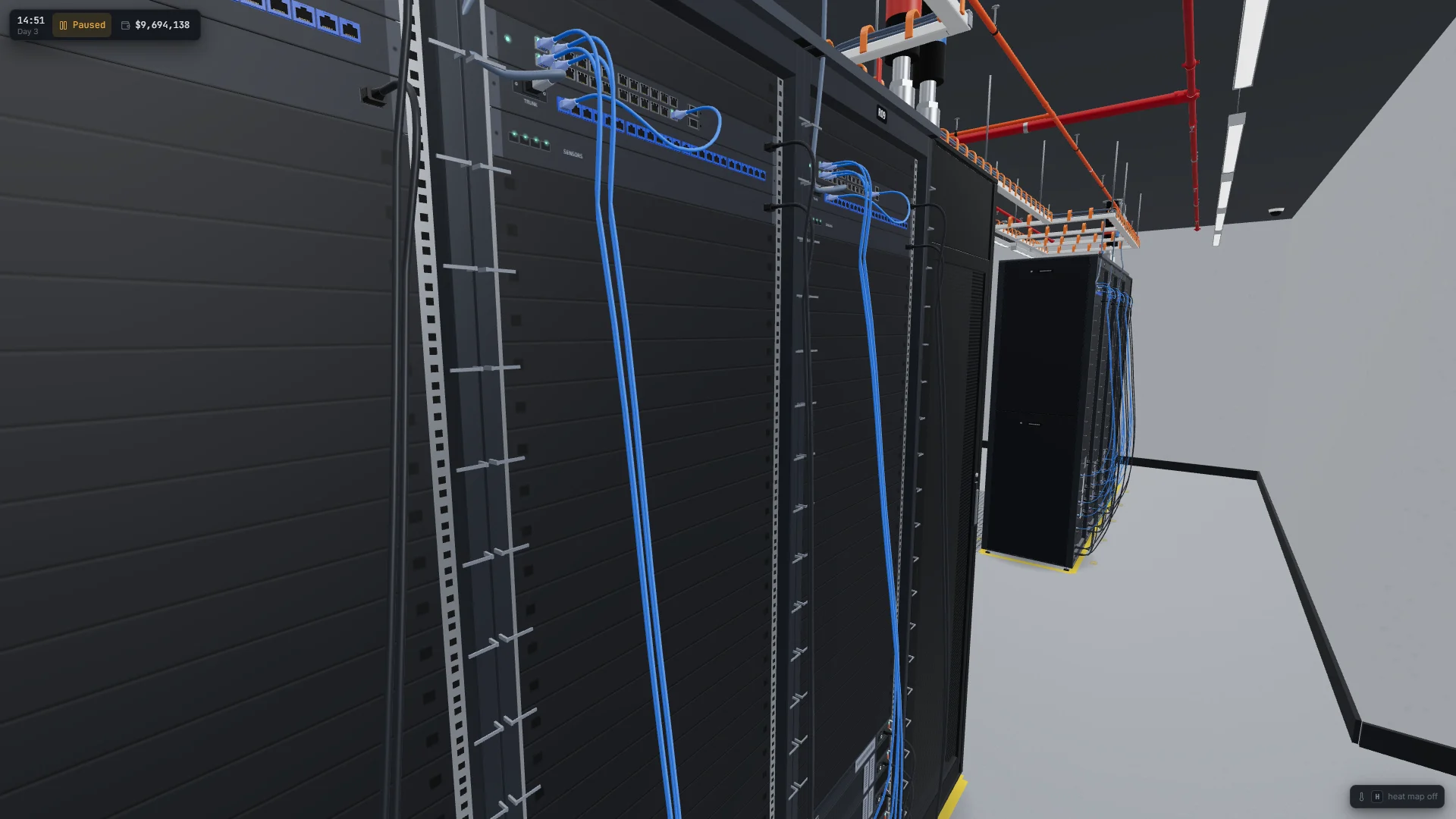
Run cable off the reel port to port, through clips and the saddles of the overhead runway. Link lights come on when a link is up and flicker with real traffic.

03

Keep it cool

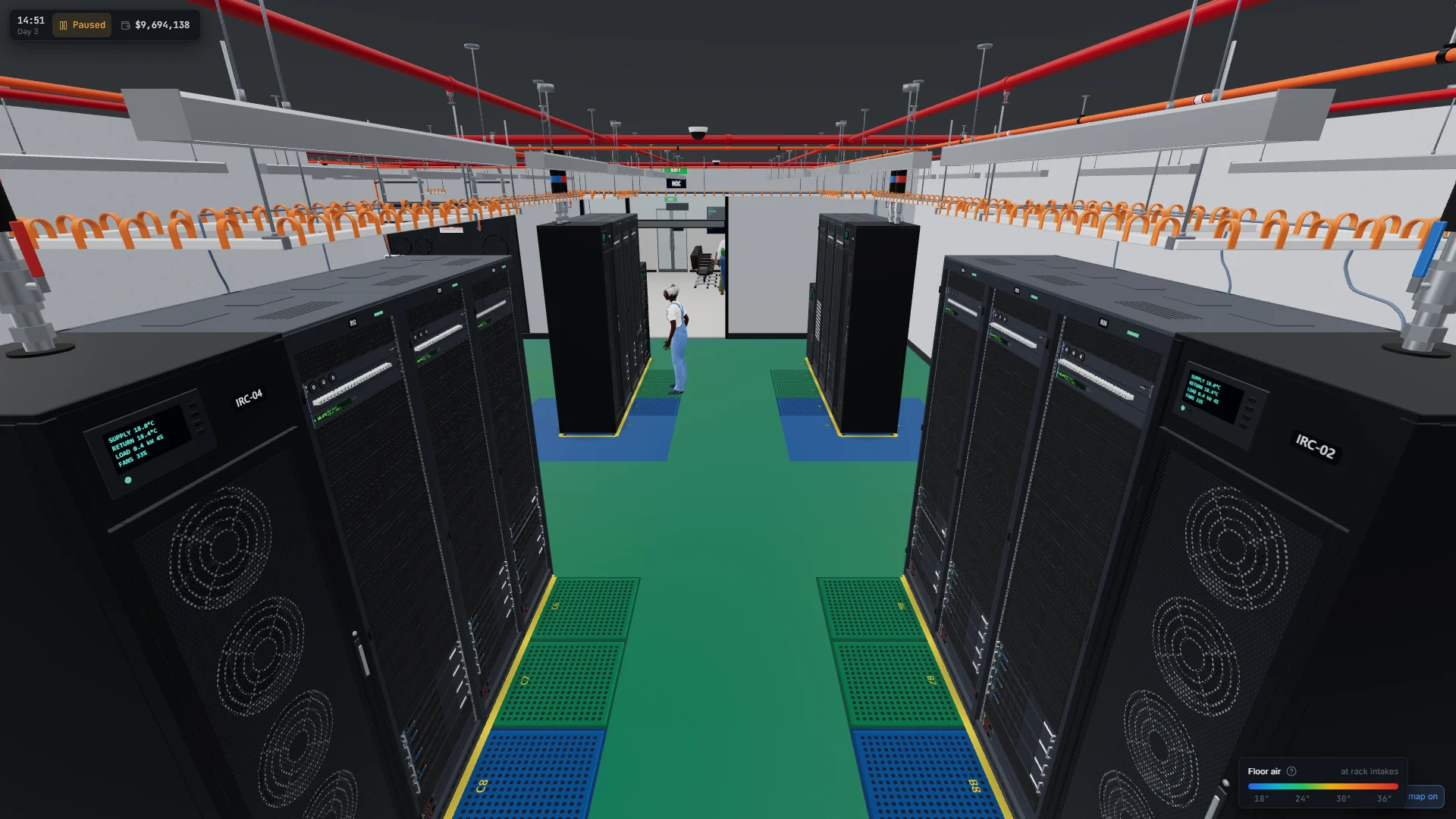
Hot and cold aisles matter. Flip on the heat map to find the racks that are cooking before a breaker trips.

04

Run the business from your desk

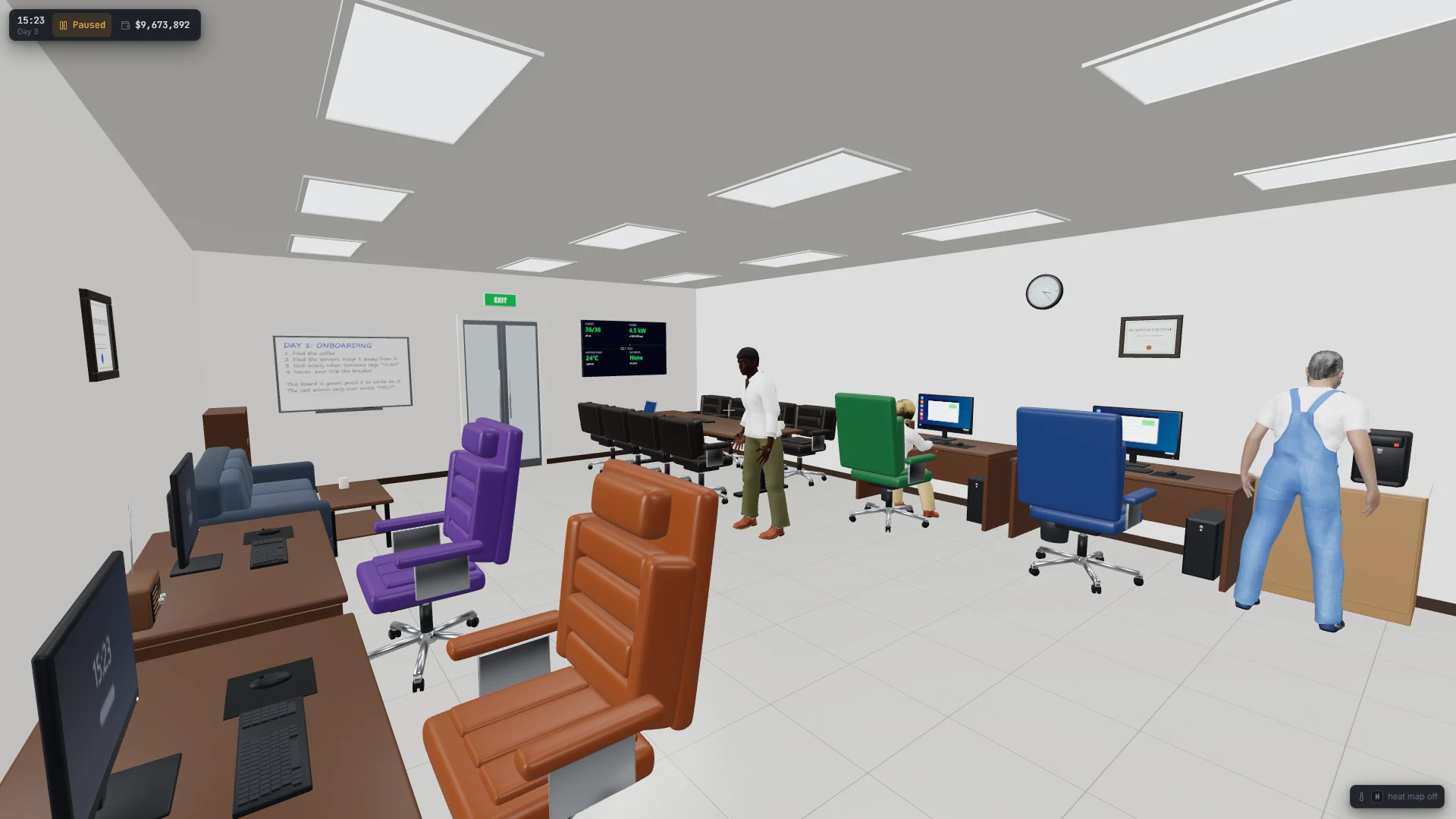
The office computer runs DeskOS, with windows for contracts, purchases and the floor plan. Keep clients happy while the power bill ticks.

05

Grow the hall

Start with one leased section by the office, then buy out the walls and expand row by row.

06

Hardware that feels alive

Fans spin up and coast down, displays read live temperatures and loads, and anything without power goes dark.

Beta

Beta builds

Builds are for beta testers

Got a beta password? Enter it to download the newest build of each game.

Updates

Patch notes

All patch notes
v0.30.4 Latest

Power for a hall of miners

Bigger grid feeds and generators, up to 3 MW: enough for a hall full of miners.

New

  • Feeds up to 3 MW. DCIM › Power adds a 500 kW service at Regional, 1 MW at National, and at Trusted a 3 MW medium-voltage service. At that size the utility delivers medium voltage to a substation of your own, as it does for real data centers.
  • Generators to match. 500 kW, 1 MW and 3 MW standby generators, the biggest a pair of 1.5 MW sets run in parallel. A generator has to carry the hall’s whole draw, cooling included.
  • For scale: a rack of eight Quarry Q140s draws about 25 kW, plus about 8 kW for its cooling. The 250 kW feed ran out at around seven of them; 1 MW runs about thirty.

Changed

  • Power past a megawatt reads in MW in DCIM, in notices and on the office’s status screens.
  • Swapping down to a smaller generator now shows what the trade-in pays you back.
  • The Handbook’s power articles cover the bigger services, and why mining farms often run without backup power.
  • Saves from earlier versions load. In a shared game, everyone needs this version.
v0.30.3 Two ports on every line

Every internet line’s hand-off now has two ports, so one line can feed a pair of routers, and the line stays up if either router fails.

New

  • A dual hand-off on every line. The hand-off box each line adds to the ISP’s panel now has two ports, side by side, as carriers provide for redundancy. Cable each to a router of a pair: they share the line’s bandwidth, and if one fails, the other carries it all. Lines you already have get the second port too.
  • The line is still one line. For a hall that rides out a carrier’s outage as well, give each router a line of its own from another carrier.

Changed

  • The ISP panel’s card and NetOps show both ports: which are cabled, and to what.
  • Saves from earlier versions load. In a shared game, everyone needs this version.
v0.30.2 Hot swaps that stay hot

A server with RAID now keeps running when a drive fails and you swap it, every time, not only the first.

Fixed

  • Servers halted after a drive swap. Once a server’s array had rebuilt a drive, the game went on thinking that drive was still rebuilding. The next drive to fail then looked like a second one out, so the array counted as lost and the server halted, and swapping the drive didn’t start it again. Now a finished rebuild is done with, and RAID 1, 5 and 10 keep their server running through one failure after another, as long as each is replaced and rebuilt before the next.
  • A server already halted this way starts again by itself within a game minute of loading your save.
  • Saves from earlier versions load. In a shared game, everyone needs this version.
v0.30.1 Cooler rows, sturdier parts

In-row coolers now pull the heat out of the racks beside them, so two either side of a hot rack both pull their weight. Parts break far less often. Cooling units and UPS cabinets can go back to your inventory, and be renamed.

Changed

  • In-row coolers pull the heat out of the racks beside them. As well as cooling the air those racks breathe, each one now draws air through them, as real close-coupled coolers do. That carries out the heat left inside them, as fan trays do, shared between the racks it reaches. A full rack of nine Q140s runs at 58 °C with one in-row cooler beside it, and at 32 °C, flat out, with one on each side.
  • A CRAC still cools the air the racks breathe, but nothing gets colder than its 18 °C supply air. Once one CRAC covers a rack, a second only adds spare capacity. For heat trapped inside a rack, add fan trays or in-row coolers.
  • Parts break far less often. Drives, fans, power supplies and the rest last about four times longer, and wear out half as fast as they age. A hall of three dozen small servers loses a part every three or four days rather than one a day. ASIC miners’ hashboards are unchanged.

New

  • To inventory, for cooling units and UPS cabinets. Their card can put them back in your inventory, to place again later. A UPS put away takes its batteries’ charge with it, and only a new one arrives charged.
  • Rename cooling units and UPS cabinets on their card, as you can racks and rack equipment.

Fixed

  • Saves from earlier versions load. In a shared game, everyone needs this version.
v0.30.0 Power and air for the big racks

Mining racks now cool the way real ones do: CRACs and fan trays both matter. A new high-density PDU powers a rack full of big miners or GPU servers. GigBid leaves the choice of servers to you and picks a VLAN that works for them, and the game shows when it’s checking for an update.

New

  • High-density PDU. From Regional: three-phase power, twelve C19 outlets good for 36 kW, with a load display. One runs a rack full of Quarry Q140s; two run a rack full of GPU servers, a power supply on each. It has no C13 outlets, so a switch or fan tray in the same rack needs a C13 PDU beside it.
  • Checking for updates. As the game starts, the title screen shows that it’s checking for an update until it knows. If there is one, it downloads with its progress showing, as before. You can still play without waiting.

Changed

  • Mining racks need a CRAC and fan trays. A miner’s own fans now blow most of its heat out of the back of the rack, as real ASICs do. The tenth that stays in a closed rack is for the rack’s fan trays to move. A cooling unit cools the air the miners breathe. A rack of nine Q140s runs flat out with a CRAC in front and two fan trays, slows down with only the CRAC, and with nothing cooling it shuts down.
  • GigBid: you pick the servers. A request’s server list starts with nothing ticked. Tick the ones you want, or click With a spare or Fewest servers to tick a suggestion.
  • GigBid picks the VLAN for you. As you pick servers, the VLAN follows them onto one that works. Their switch ports have to carry it, it needs a way to the internet and addresses free for them, and a client that wants a VLAN of its own gets one no other client uses. Choose a VLAN yourself and it stays as you set it.

Fixed

  • Plug in power put each cord on the PDU with the least load, so a small PDU beside a big one got the big loads and tripped. It now picks the PDU with the most room left.
  • Saves from earlier versions load. In a shared game, everyone needs this version.